OmniFocus has long been one of the most capable task managers available for Apple devices. Its structured projects, powerful tags, review system, and custom Perspectives make it particularly valuable for people who follow GTD or manage a large number of actions.
But what if completing tasks is only one part of moving a project forward?
A writing project, for example, may involve one-time tasks, a measurable word-count goal, a daily writing habit, and a metric showing how many words you produce each day. Traditional task managers can store the actions, but they rarely bring all these forms of progress together.
That is the problem Habilitas was designed to solve.
OmniFocus Is Excellent at Managing Actions
OmniFocus gives you extensive control over tasks and projects. Actions can be organized into sequential or parallel projects, assigned tags, deferred, repeated, flagged, and surfaced through highly customizable Perspectives.
Its Custom Perspectives are among the most powerful features available in a personal task manager. They let you create focused views based on projects, tags, dates, availability, status, and other criteria.
For people who primarily need to decide what action to complete next, OmniFocus remains an exceptional tool.
However, a project in OmniFocus is fundamentally a container of actions. Although you can see which actions are complete, project progress is not presented as a central, automatically calculated percentage that reflects different forms of work.
A Different Approach to Personal Projects
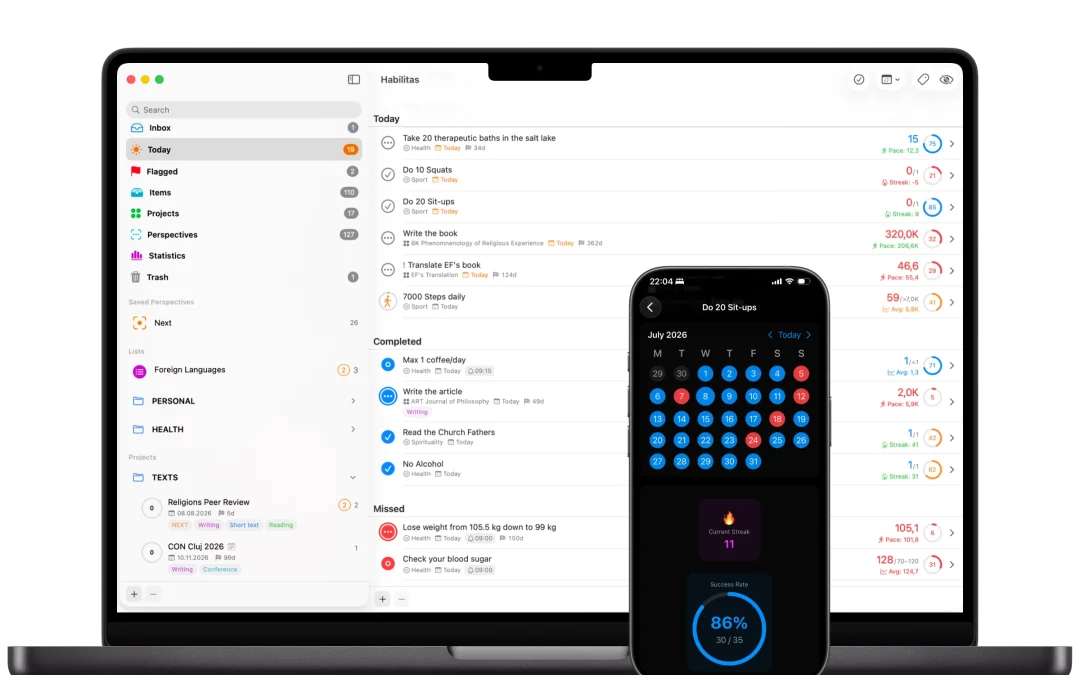
Habilitas approaches a project as a measurable outcome, not simply a list of tasks.
A Habilitas project can contain four different types of items:
- Tasks for one-time or recurring actions;
- Goals for measurable outcomes that increase or decrease toward a target;
- Habits for repeated behaviors and consistency;
- Metrics for values you want to record and monitor over time.
All four item types can be organized into Sections within the same project. As their individual progress changes, Habilitas recalculates the overall progress of the project automatically.
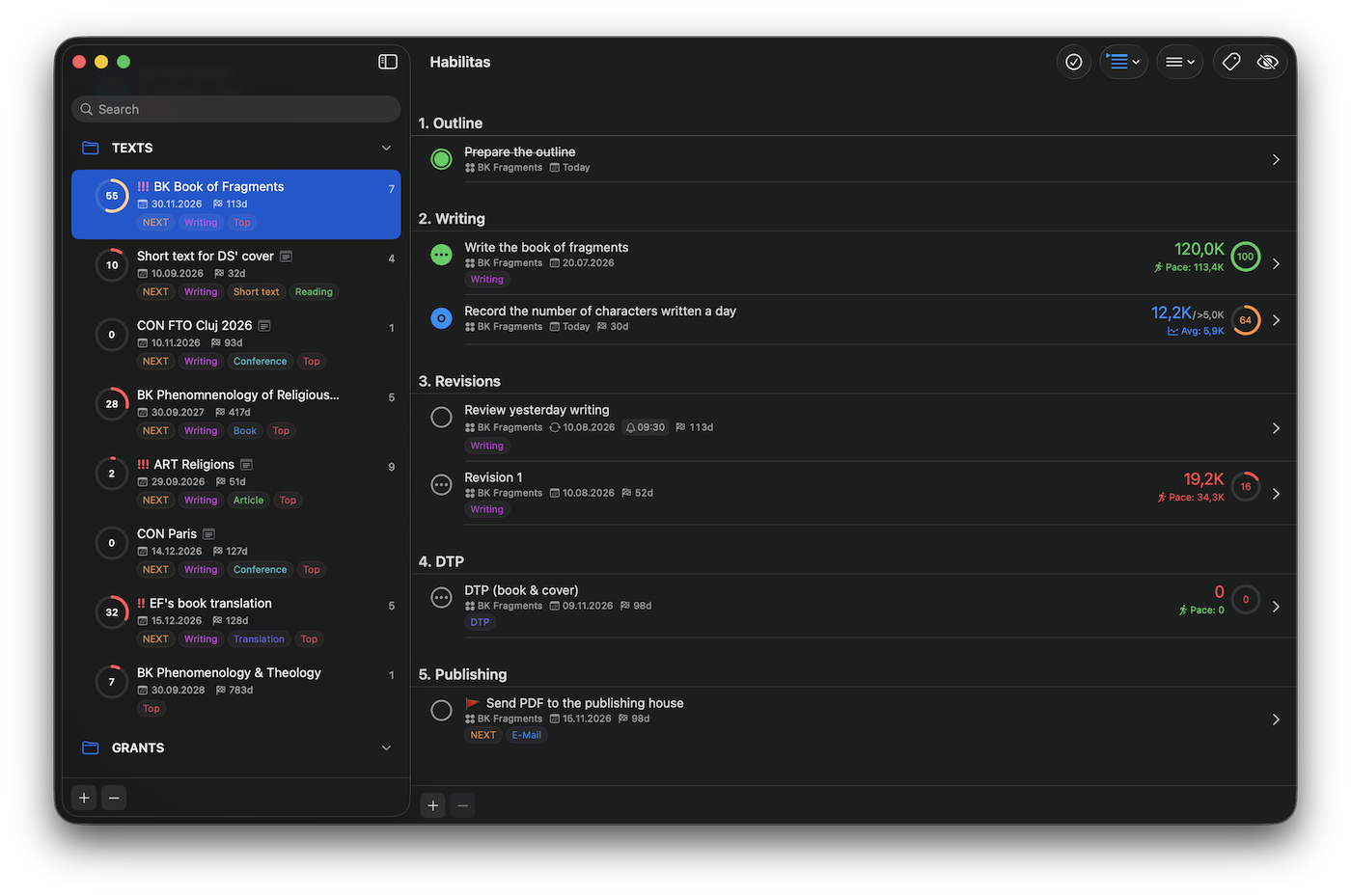
Consider a project called “Write My Book.” It might contain:
- a task to prepare the chapter outline;
- a recurring task to review yesterday’s writing;
- a goal to write 120,000 characters;
- a habit to write every weekday;
- a metric for recording the number of characters written each day.
These are not four unrelated systems. They are four ways of advancing the same project.
See Project Progress Automatically
Habilitas displays project progress directly in the Sidebar. You do not need to maintain a separate dashboard, update a custom field, or estimate the status manually.
As the items inside a project advance, its progress ring updates automatically. This gives you an immediate answer to a simple but important question:
How far has this project actually progressed?
This is particularly useful for long personal projects such as writing a book, completing a dissertation, preparing a conference, improving your health, learning a language, or reaching a financial target. Such projects often involve more than completing a finite checklist.
Perspectives Without Losing the Structure
OmniFocus users may depend heavily on Perspectives, so moving to another application without an equivalent feature can feel restrictive.
Habilitas also provides custom Perspectives, built from tags. You can combine multiple tags using AND or OR matching and save the result for quick access.
For example, you could create Perspectives for:
- items tagged
WritingandNext; - everything related to
HealthorFitness; - important actions across several projects;
- work that can be completed in a particular context.
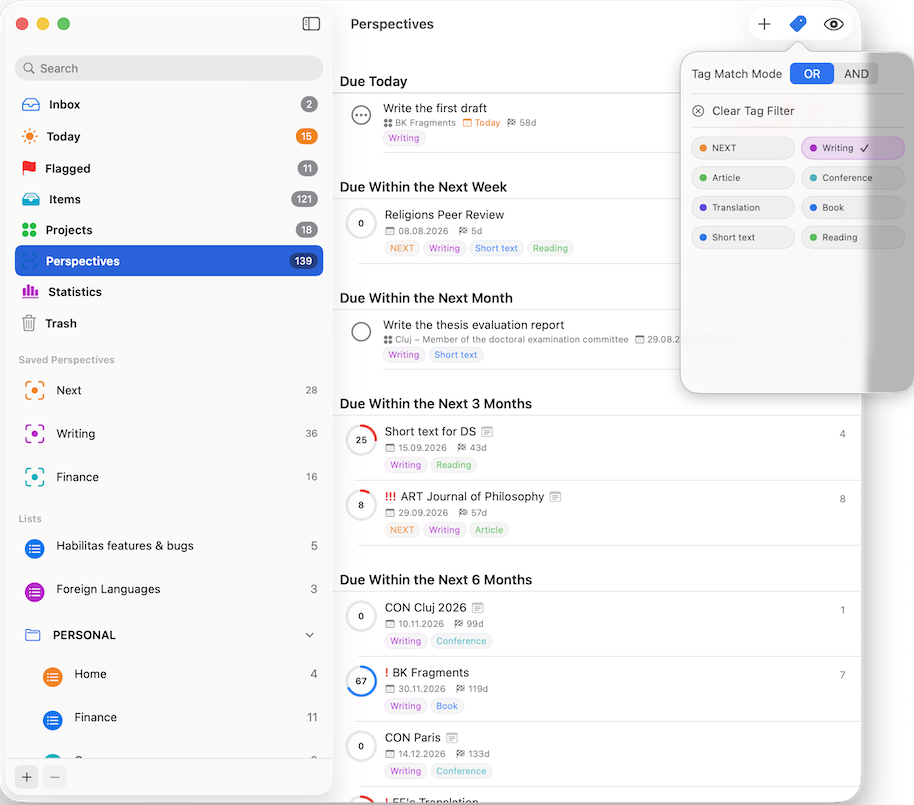
OmniFocus Perspectives are more mature and offer more advanced filtering options. Habilitas Perspectives are deliberately simpler, focusing on fast, tag-based views that work consistently across projects and lists.
Lists When You Don’t Need Project Progress
Not everything needs to become a project.
Habilitas also includes Lists, which can contain the same four item types but do not calculate shared progress. A List is useful for ongoing areas such as Health, Reading, Finance, Sport, or Personal Administration.
Projects are for outcomes that you want to complete and measure. Lists are for areas that continue indefinitely.
Folders, Sections, tags, Search, and different grouping modes help keep both structures manageable as your collection grows.
Private and Native Across Apple Devices
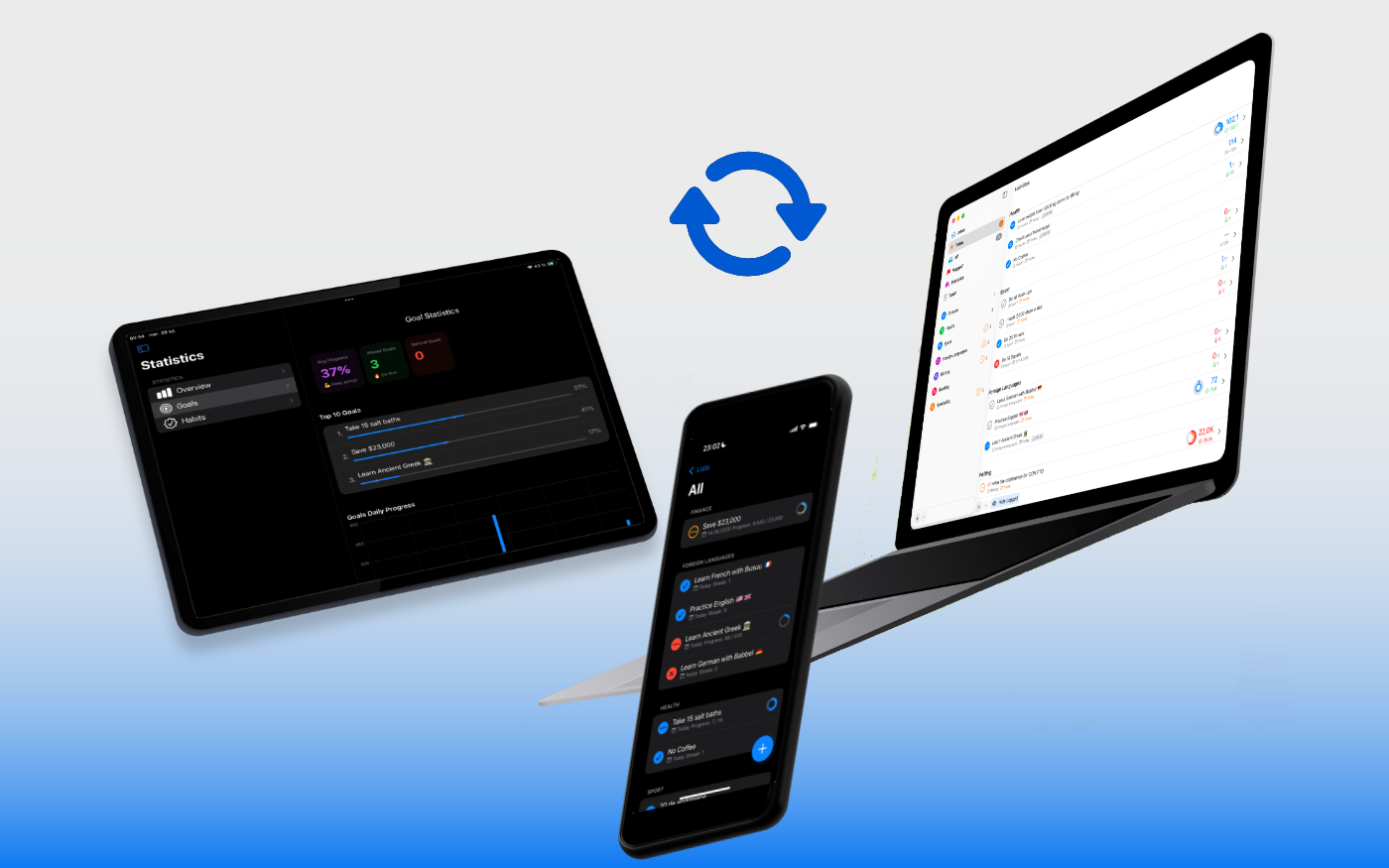
Habilitas is built for Mac, iPhone, and iPad. Your information is stored on your devices and synchronized through your private iCloud account.
There are:
- no Habilitas accounts;
- no advertisements;
- no third-party tracking;
- no analytics collecting your activity.
Health information imported from Apple Health is processed locally on your device.
OmniFocus or Habilitas?
Choose OmniFocus if you need:
- a mature GTD workflow;
- highly advanced Perspectives;
- extensive automation;
- detailed control over action availability;
- a task-management system refined over many years.
Choose Habilitas if you want:
- visible, automatically calculated project progress;
- Tasks, Goals, Habits, and Metrics in the same project;
- a simpler tag-based Perspective system;
- Lists for ongoing areas and Projects for measurable outcomes;
- private iCloud synchronization without an account;
- one native system for planning work and tracking personal progress.
Neither approach is universally better. They begin with different questions.
OmniFocus asks:
What should I do next?
Habilitas also asks:
Is everything I am doing creating meaningful progress?
Make Your Progress Visible
A personal project is often more than a checklist. It may require actions, measurable targets, repeated behaviors, and values observed over time.
Habilitas brings all of them together, calculates project progress automatically, and keeps the result visible across your Apple devices.
Download Habilitas from the App Store and try it free with up to 5 items, 2 lists, and 1 project. Private iCloud sync is included for everyone.